
Share anything to
Any device.
Anywhere.
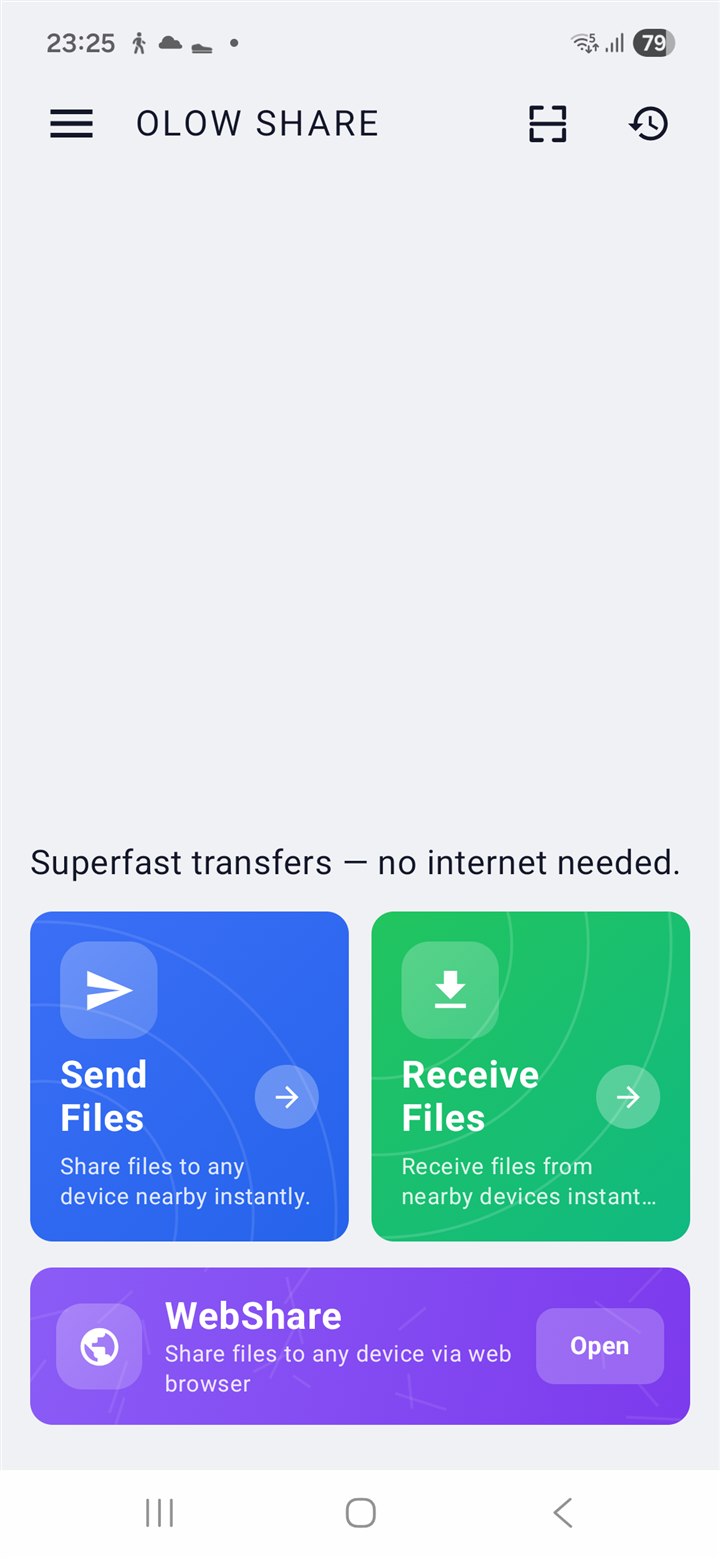
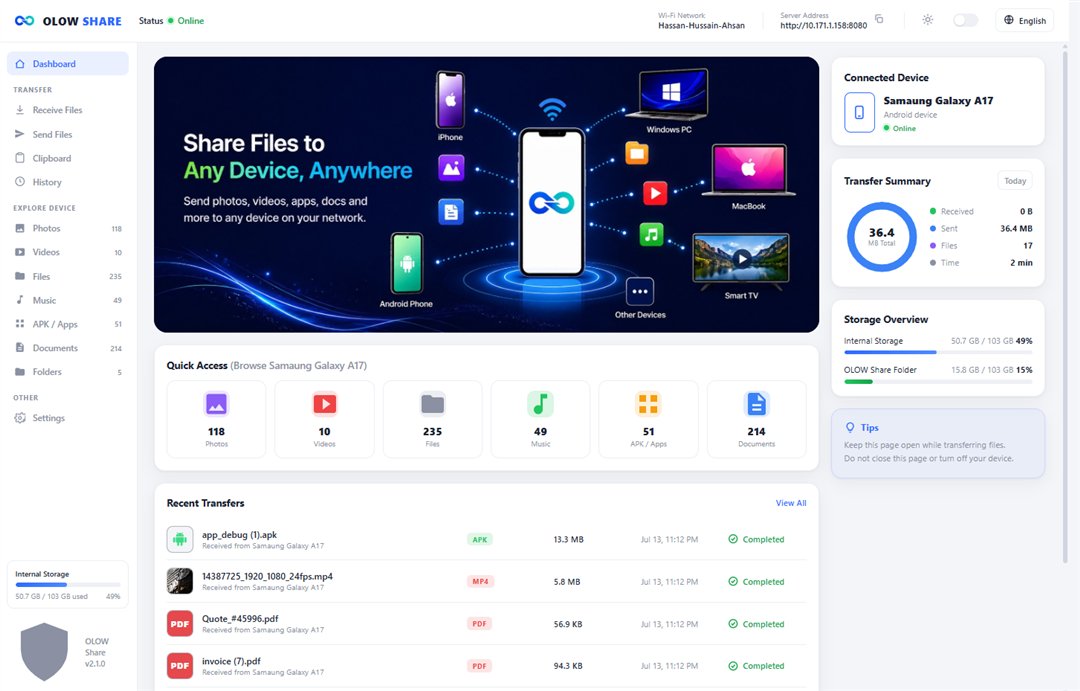
OLOW Share is an Android app — send and receive between your Android phone and any device: an iPhone, PC, Mac, Chromebook, Smart TV, or any browser.





Step by step
How OLOW Share works
Fast, private and effortless sharing in a few simple steps — no internet, no cables, no limits.
Connection method:
Sender phone
Receiver phone
1. Select files
Choose photos, videos, apps, documents or any file you want to share.
Features
Everything you need, nothing you don't.
Move any file, at full speed, with refreshingly little fuss.
Blog
Guides & tips
Get more out of every transfer.
Basics
How OLOW Share moves files without the internet
Why direct device-to-device transfers are faster, private, and work with zero signal.
Read more → SpeedHotspot, Same Wi-Fi or Wi-Fi Direct — which is fastest?
When to use each connection method to get the quickest transfer.
Read more → Cross-platformSend from Android to an iPhone, PC or Smart TV
How Web Share lets any browser device receive — no app on their side.
Read more →FAQ